
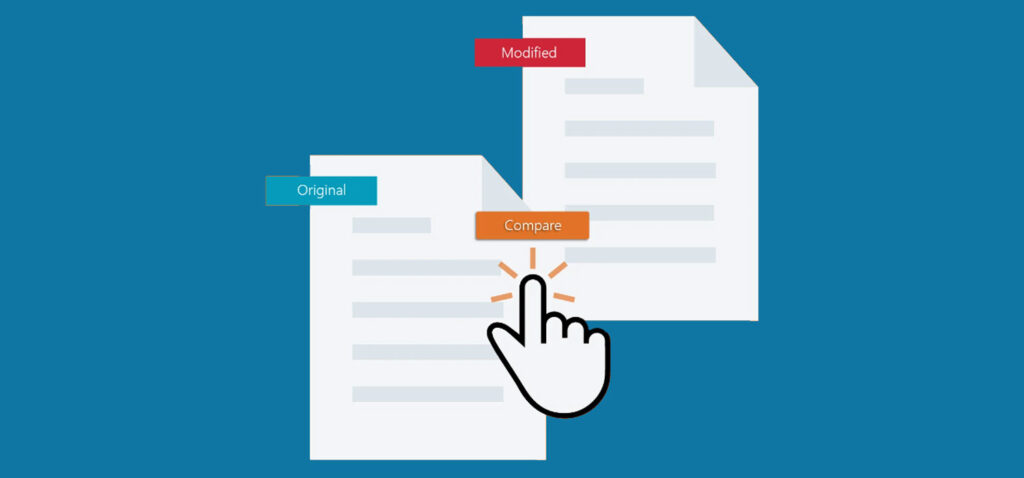
Litera Compare makes document comparison easier
Find even the smallest change in every document, including every insertion, deletion, or move
Eliminate the risk of human error with proven technology that will automate complex manual processes
Locate, review, and accept or reject changes in a Word document which can become the next working version
Keep formatting, corporate stationery, and styles consistent between the first and final versions
Looking for changes between two Word documents is time-consuming and error-prone. Document comparison software can automate the process, so you spend more time on work that matters.
Document comparison software finds every insertion, deletion, or move in every document. It empowers you to find, review, and then apply or reject changes in a Word document that becomes your next working version. Maintain consistency in formatting and styles between the first draft to the final version by finding changes in headers and footers, tables, and endnotes. Easily compare a scanned version with the original digital file.
Simplify how you collaborate and review documents with software that can see the difference for you. Because even the smallest change can have a big impact on your business.